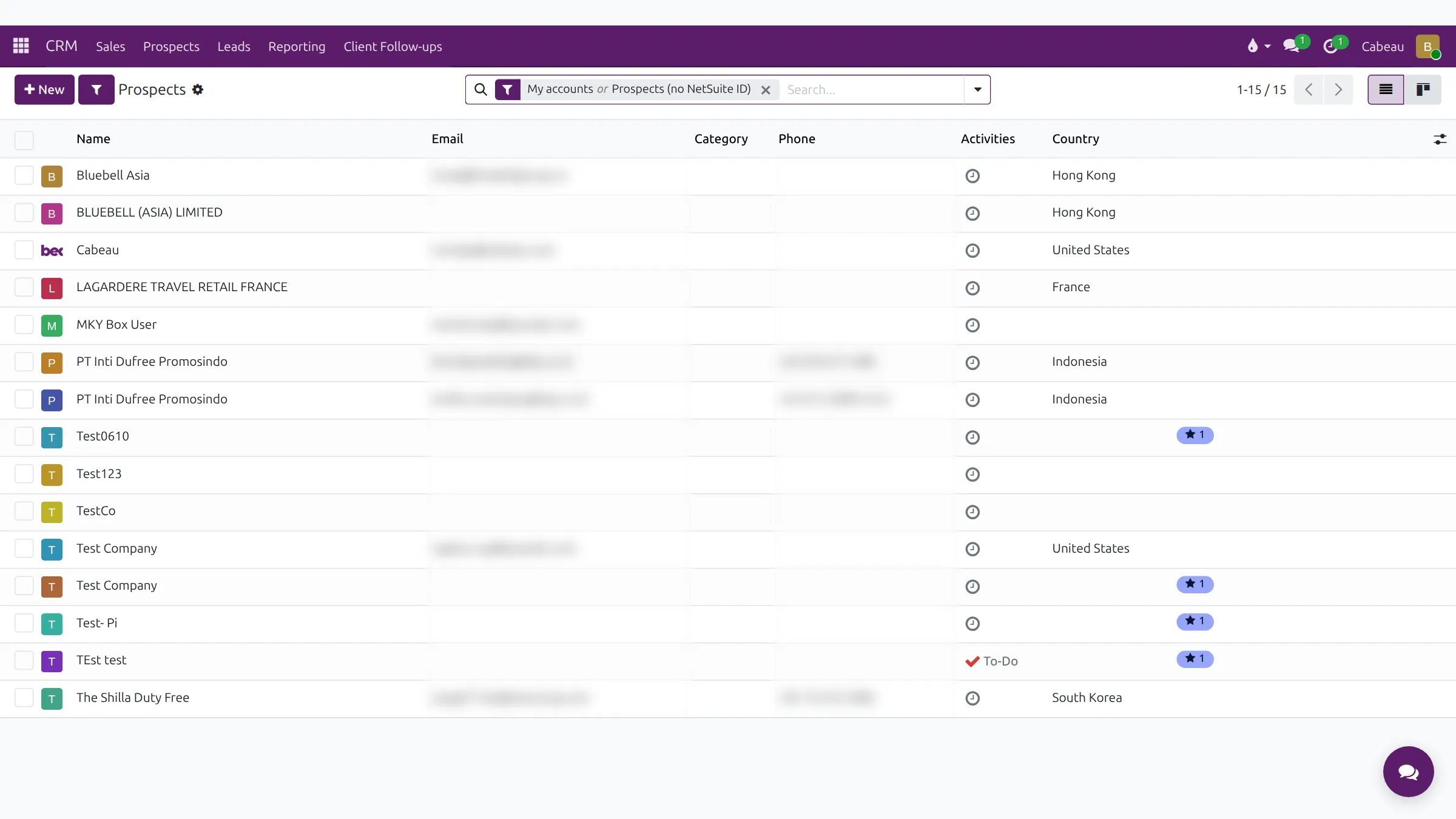
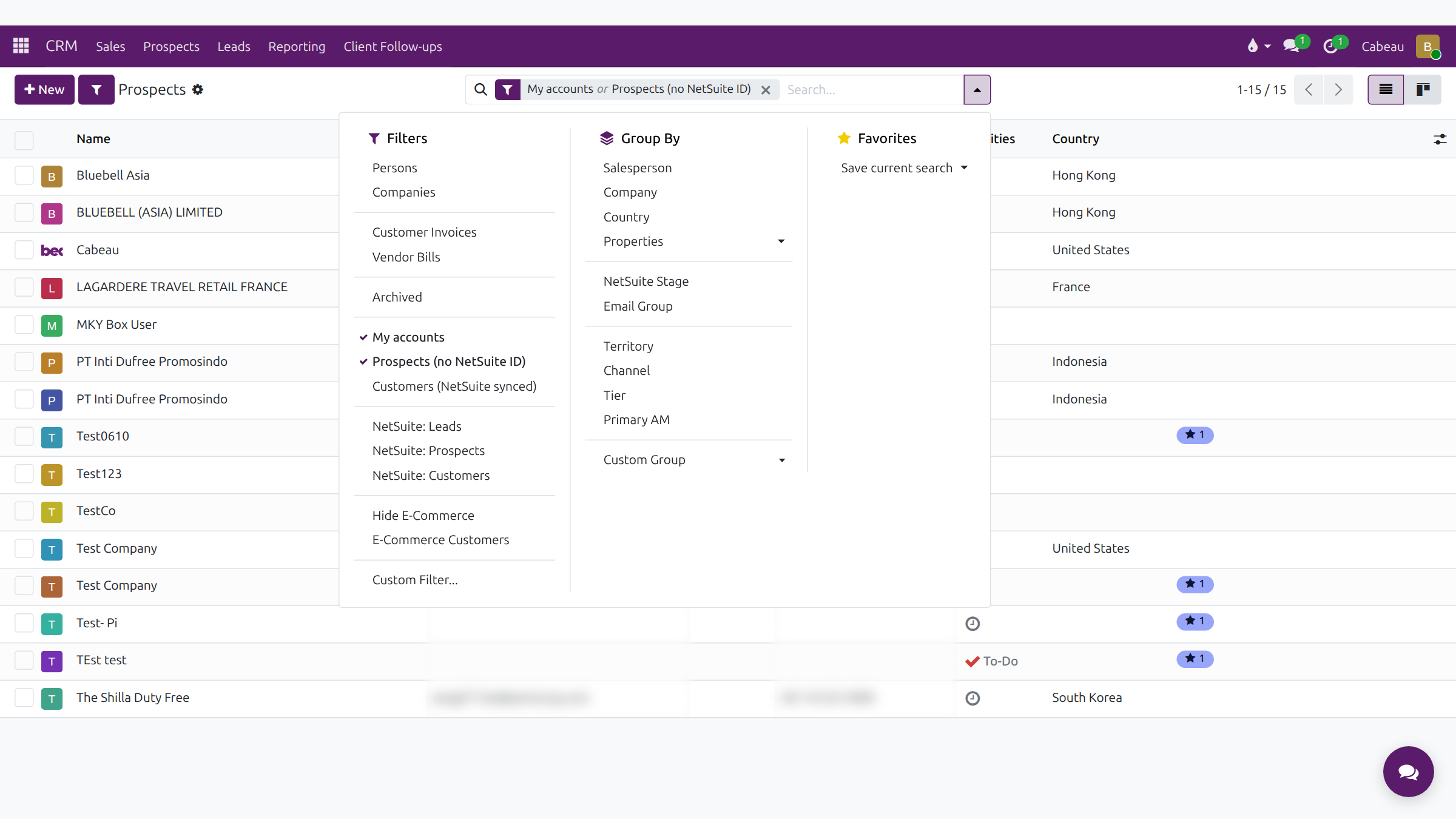
CRM > Prospects lists the companies you own plus every prospect that has no NetSuite ID yet, meaning it has not become a NetSuite customer.
Your prospects1:21 · narrated, with captions
Transcript
This video covers Prospects, your working list of new accounts in Cabeau Hub.
Open Prospects from the CRM menu bar. It lists your own accounts, and every prospect that has no NetSuite I D yet.
Each row shows the name, email, category, phone, the next activity and the country.
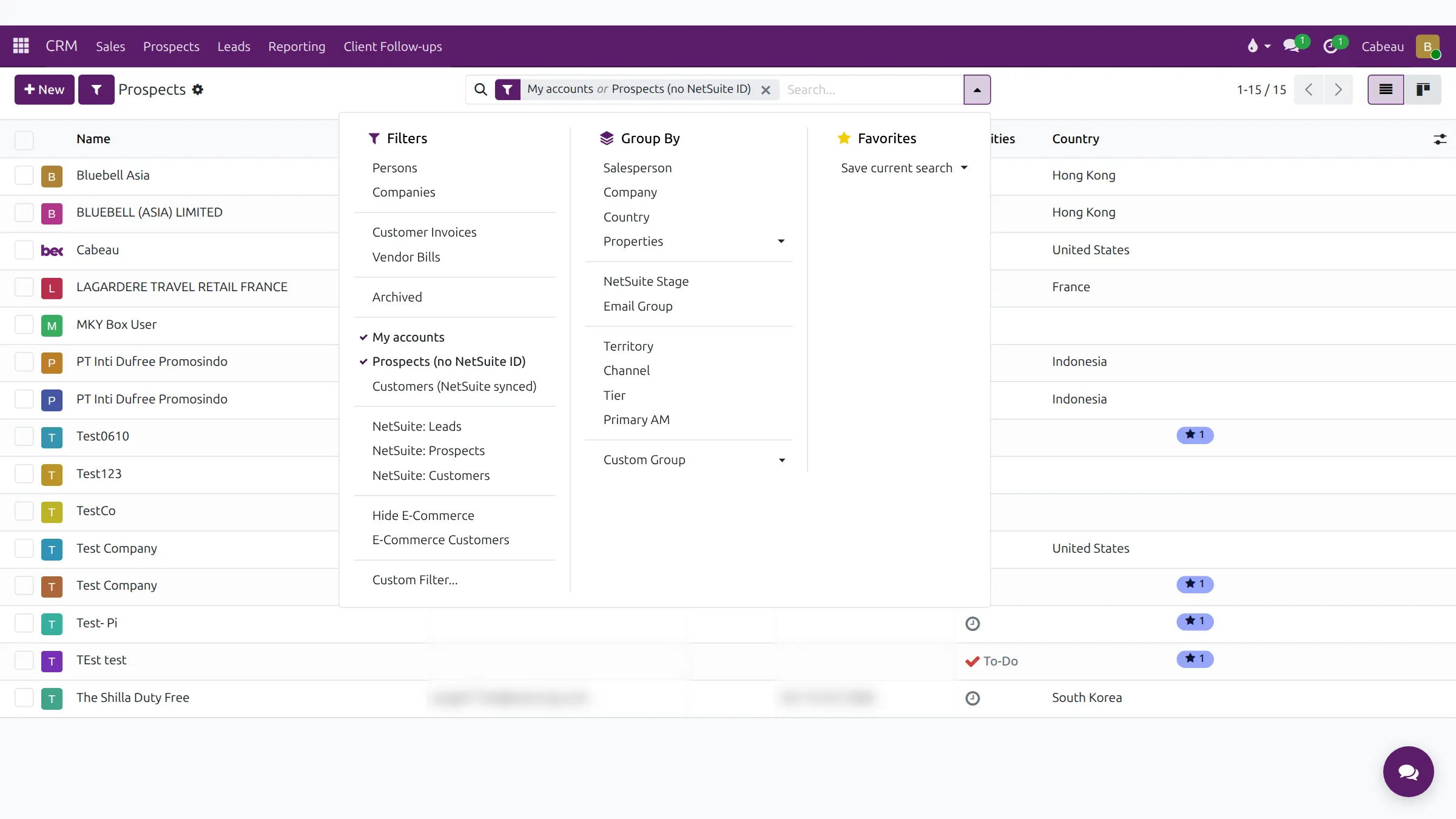
The search options add filters, such as customers already synced from NetSuite or hiding e-commerce accounts.
Group the list by territory, channel, tier or primary account manager to see who covers what.
The filter button next to New switches between active, inactive and all NetSuite customers.
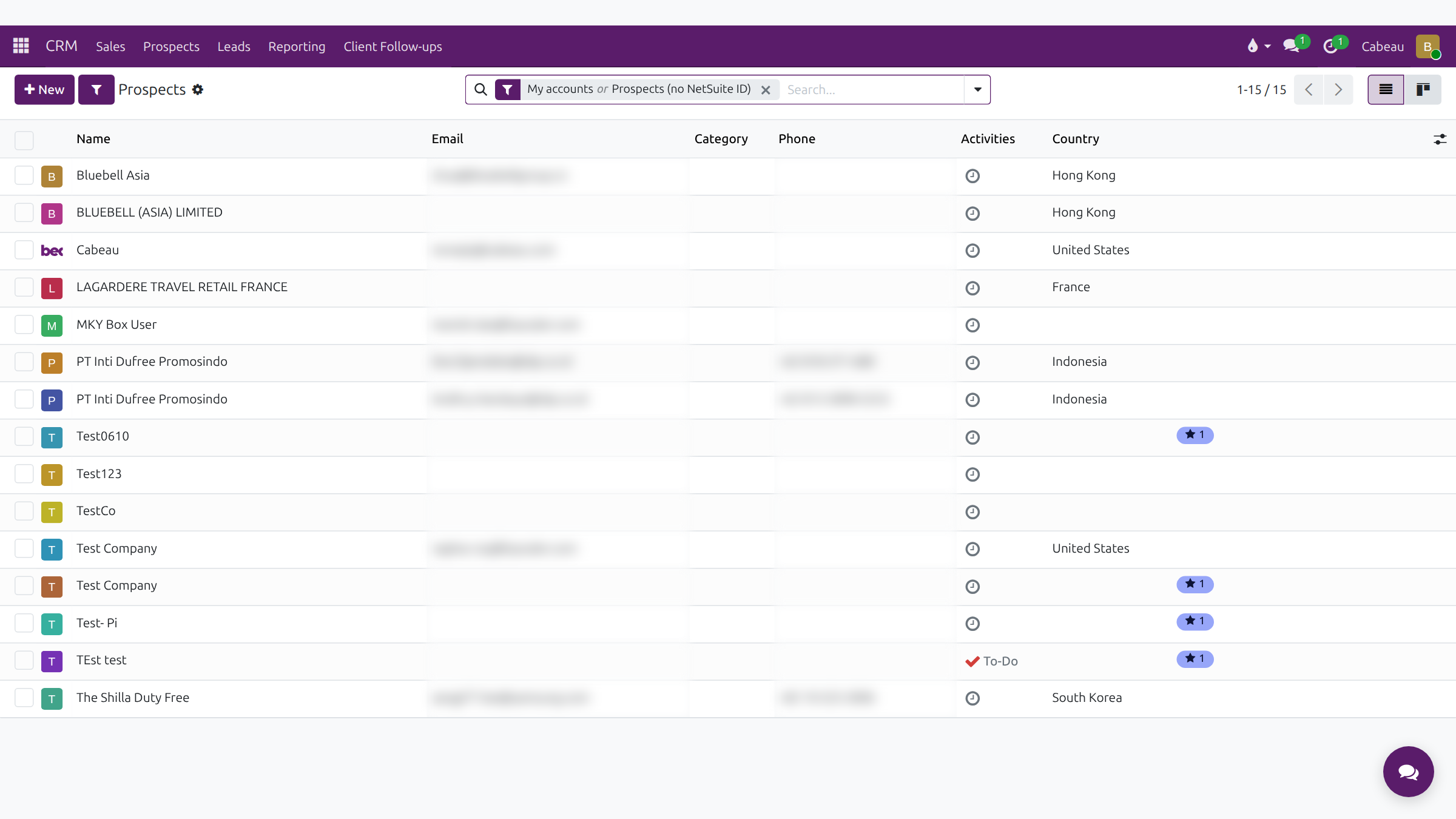
Switch to the kanban view for cards instead of rows, and back again.
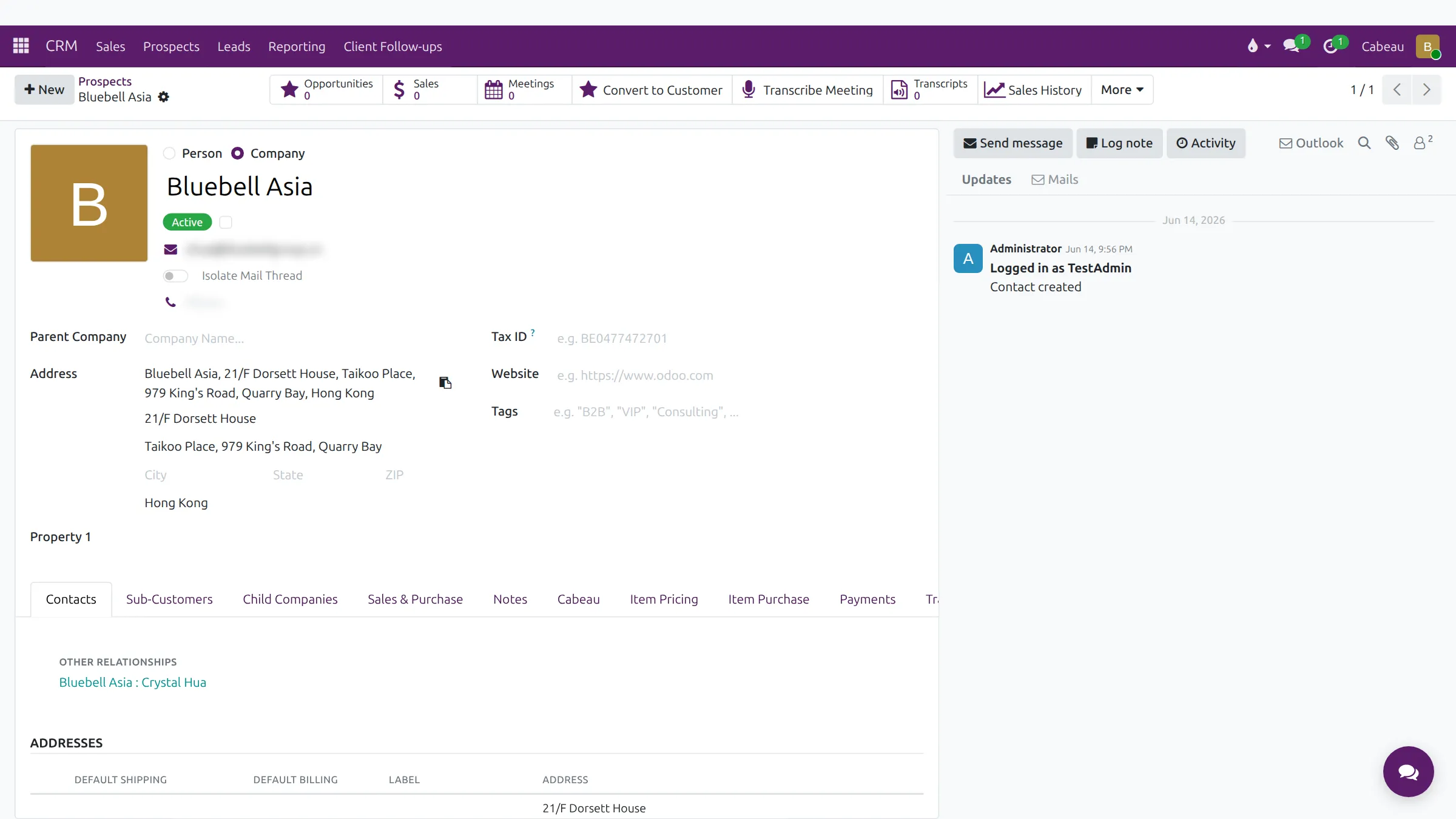
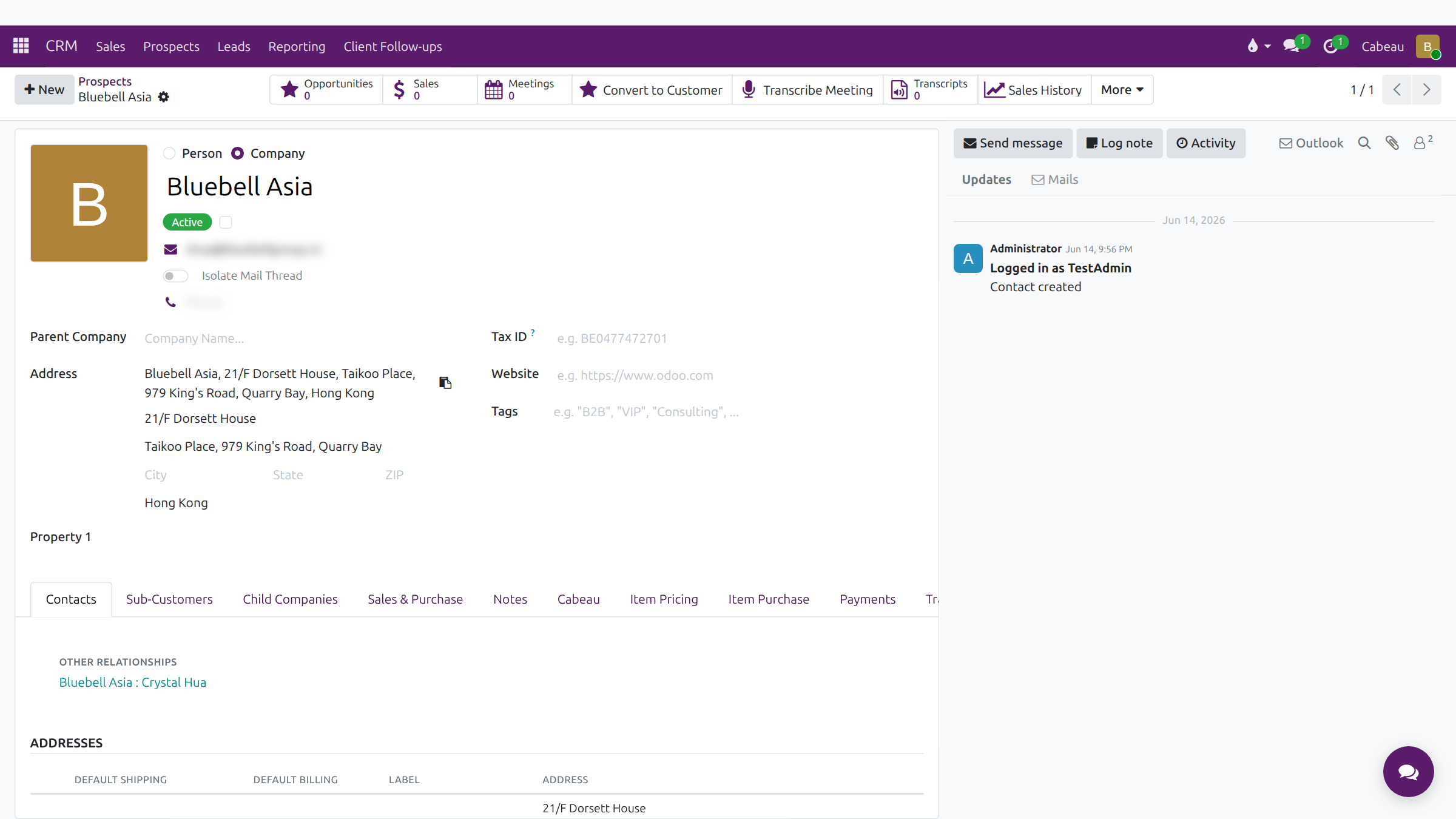
Click a prospect to open it. The buttons across the top count its opportunities, sales, meetings and transcripts.
When a prospect becomes a buyer, Convert to Customer starts that step. Sales History shows past orders.
The tabs below hold contacts, sub-customers, notes and pricing. The panel on the right is the account's history and messages.
Those are your prospects. Next, working leads through the pipeline.
The list opens with the filter My accounts or Prospects (no NetSuite ID). Columns: Name, Email, Category, Phone, Activities and Country. Switch to the Kanban view for cards.
Smart buttons: Opportunities, Sales, Meetings, Convert to Customer, Transcribe Meeting, Transcripts, Sales History and More. Tabs hold contacts, sub-customers, sales and purchase details, notes, the Cabeau tab, pricing, payments and transcripts. The chatter on the right keeps every email, note and planned activity.